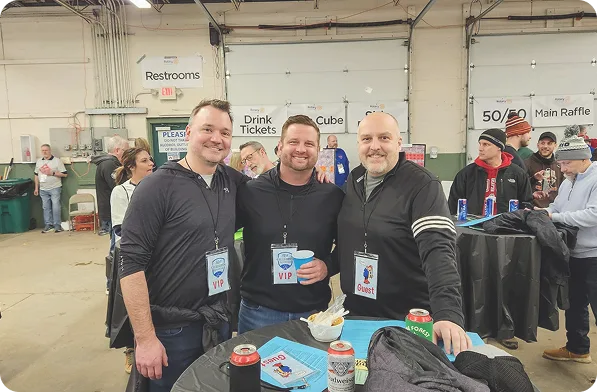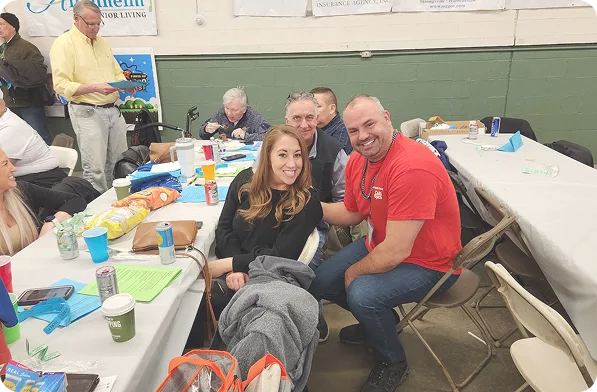
Win a VIP Foursome for next year’s Chili Open!
If you share your photos with us you will have the chance to win a VIP Foursome to next year’s Chili Open. By entering the contest you agree that we may use your photos to promote future Chili Open events.
There are two ways to share:
Social Media
Share your pictures on Facebook or Instagram. Do the following to make sure we can find your photos and enter in the drawing:
Make the image “Public”
Tag @StrongsvilleRotary in the caption or comments
Add the hashtag #ChiliOpenVIP2026

Share Directly With Us
iPhone
Open “Photos”
Click “Select” in the top right corner
Select the photos you want to share
Click the Share button in the bottom left corner
Choose “Add to Shared Album”
Create a new “Shared Album”
Invite “[email protected]”
Google/Android
Open Photos
Select the photos you want to share (long click)
Click the Share button in the bottom left corner
Choose “Send in Photos”
Share with “[email protected]”